
Specific request
Define what the party wants permission to do.
One request. A clear route to a decision.
Turn permission into a playable civic process. Connect offices, evidence, inspections and appeals with legitimate ways forward.

Offices, evidence and workable alternatives
Keep the civic process clear enough for the party to solve.
Define what the party wants permission to do.
Name the office and official who can decide.
Give evidence, fees and inspections a reason.
Prepare exemptions, expedited service and appeals.
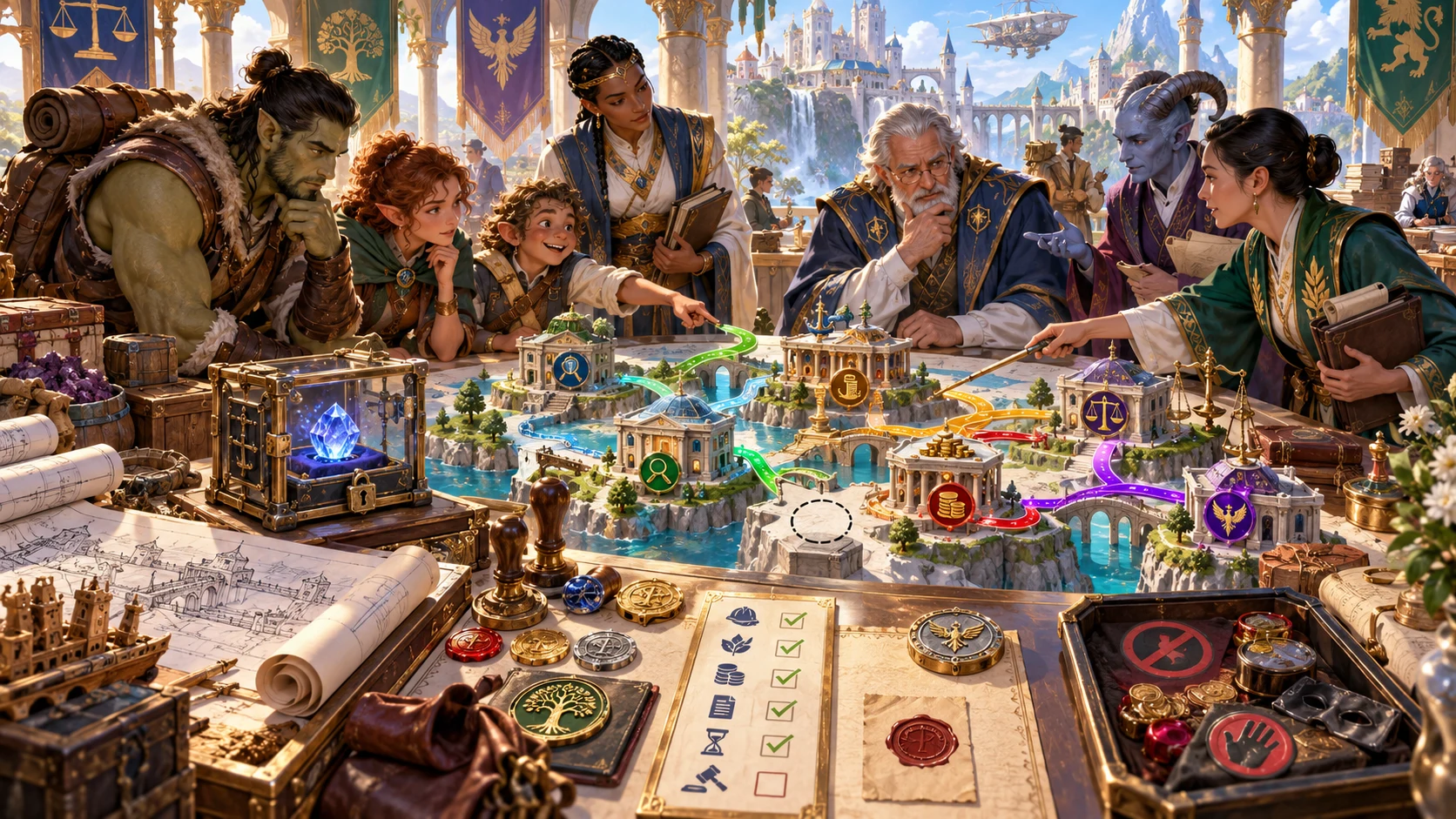
Prepare the permit route
The illustration represents fictional civic-process planning, not an application screen or generated image output.
Set the request, authority, jurisdiction and required proof.
Review offices, inspections, exemptions and appeal routes.
From request to decision
Keep each office connected to the purpose of the permit.
Choose permit, jurisdiction, strictness and tone.
Prepare offices, order and required evidence.
Check fees, waiting times, inspections and conflicts.
Prepare exemptions, appeals and permit conditions.
Your permit-process toolkit
Prepare an understandable route through civic requirements.
Give the party a clear route from request to decision.
Identify the offices and official who can decide the request.
Explain each requirement and the proof it needs.
Prepare deposits, waiting times and practical responses to delays.
Give clerks a purpose and inspectors understandable standards.
Offer legitimate alternatives, expedited service and ways to appeal.
Describe believable consequences of risky shortcuts.
Lock accepted evidence, save versions and review the chosen permit file.
Choose the detail the request needs
Add the offices and options around a single request.
Set request, permit, jurisdiction, strictness and tone.
Refine offices, queues, proof and inspections.
Set exemptions, expedited service and appeals.
Review official attitudes, scrutiny, bribery and forgery risk.
Refine the journey for your table
Retain completed parts while adjusting the remaining process.
Adjust officials, requirements and decisions.
Keep completed steps and accepted evidence.
Save and reopen the permit journey.
Review the DM file or player checklist before sharing.

A permit journey to review
Review accepted evidence, fees and inspection requirements.
Check unresolved steps, delays and lawful alternatives.
Review the decision, permit conditions and chosen checklist before sharing.
One understandable permit process
Let the party choose evidence, an alternative or an appeal.
Connect authority, offices and decision to the same purpose.
Each office has a function and each requirement a reason.
Wider government, culture and document design have their own tools.
The permit process stays here and sends nothing to Combat PRO.
Choose your generator access
Choose the required generator access and review current pricing in your account.
Choose the required access for Fantasy Bureaucracy & Permit Generator as a selected standalone generator.
Select this generator within an eligible pack. Review current capacity and pricing in your account.
Other generators, Battlemaps and image-credit products have their own access arrangements. They are not included automatically.
Create a free account, choose the required generator access and use Desktop Command Centre on Windows.
VISINVOKE means value
A focused tool for offices, evidence, inspections and lawful ways forward.

Identify what the party wants permission to do.
Connect evidence, inspections and fees to the request.
Inspect offices, processing times, exemptions and appeals.
Prepare a legitimate next step or an appeal.
Build your tabletop toolkit
Each card opens its own product website. Review purpose and access separately; related products do not promise included access or automatic synchronisation.

Open your VISINVOKE products from Windows.

Frame a live exchange after an established social mistake.

Build the wider setting around your campaign.

Develop the places your party travels through.

Explore separate adventure environments.

Explore separate fantasy image creation.
Product artwork illustrates fictional scene preparation, not application screens or actual generated image output.
Quick answers
Understand requirements, alternatives, saved versions and exports.
Turn one request for permission into an understandable civic process. Prepare the authority and jurisdiction, offices and required order, forms and evidence, fees and processing times, officials, inspections, delays, exemptions, appeals, decision and permit conditions. Every office has a purpose and each requirement has a reason.
Prepare travel papers, weapon licences, spell permits, creature transport, building approval, guild work, excavation, burial, trade, hunting and controlled materials. Keep the request specific so the party can understand the route to a decision.
Quick describes what the party wants permission to do and chooses permit, jurisdiction, strictness and tone. Deep refines offices, queues, jurisdiction conflicts, required evidence, missing seals, inspections, expedited service, exemptions, appeals, official attitudes, public scrutiny, bribery pressure and forgery risk.
Prepare exemptions, expedited service, appeals and jurisdiction alternatives. Show what a missing seal or failed inspection delays and what the party can do next. Officials need not all be obstructive or corrupt. Bribery and forgery remain risky choices with believable consequences.
Edit, lock completed steps and accepted evidence, then selectively revise unresolved offices or later decisions with undo and redo. Save permit journeys to your account library, keep versions, rename or duplicate a process, add tags and notes and reopen it. Copy the chosen Dungeon Master permit file or player checklist and permit details, download JSON or print. Review selected passages for audience, spoilers and private pressures before sharing.
Open Fantasy Bureaucracy & Permit Generator from the Generators collection in Desktop Command Centre on Windows. Create a free VISINVOKE account and review current access and pricing for the selected standalone generator or an eligible pack. It never prepares combat or sends anything to Combat PRO. Wider government, culture, intrigue, careers and finished document design use their separate tools.
Continue in VISINVOKE
Create a free VISINVOKE account and choose generator access.
Get Desktop Command Centre from your account installer page. Sign in on Windows and open Fantasy Bureaucracy & Permit Generator.